Made for iPhone
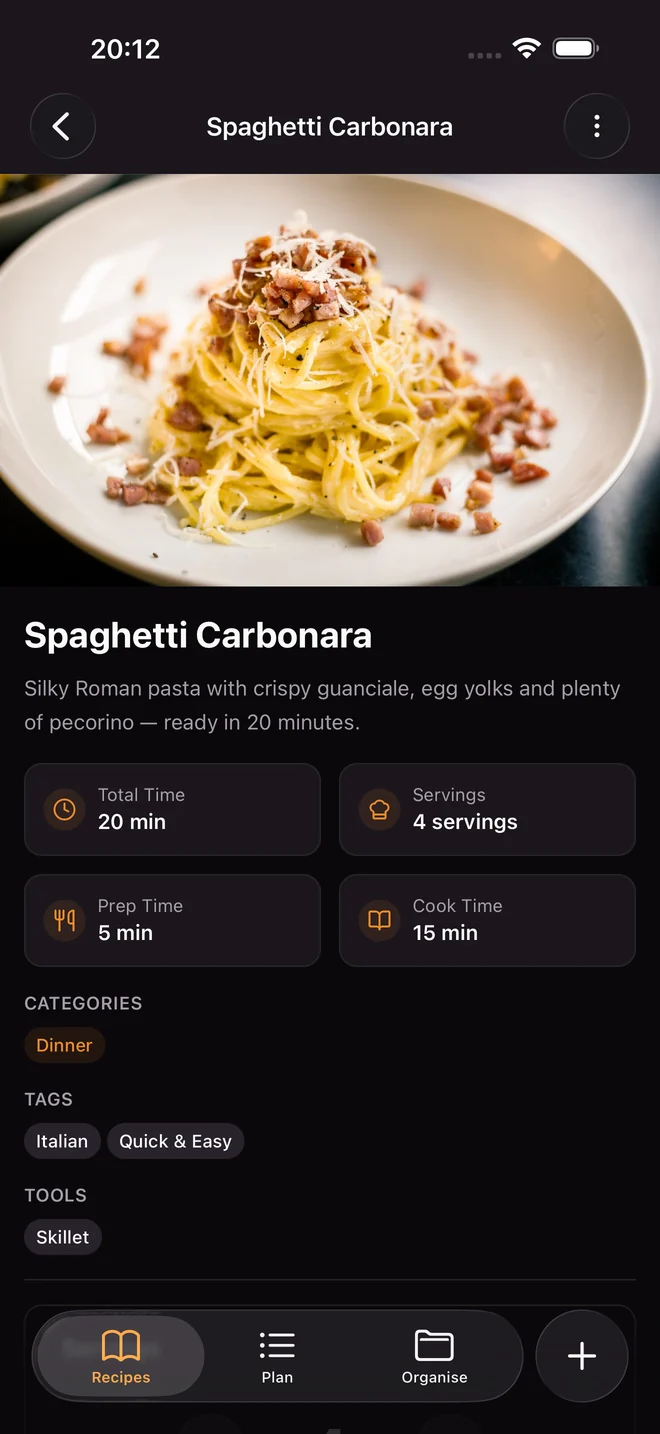
Looks and feels like an Apple app: real tabs, smooth gestures, and little haptic taps exactly where they belong.
How Sizzzle works
Recipe links, photos of cookbook pages, grandma’s card, your week and your shopping list.
Fresh from the pan
Everything in one app, saved on your phone, yours forever.
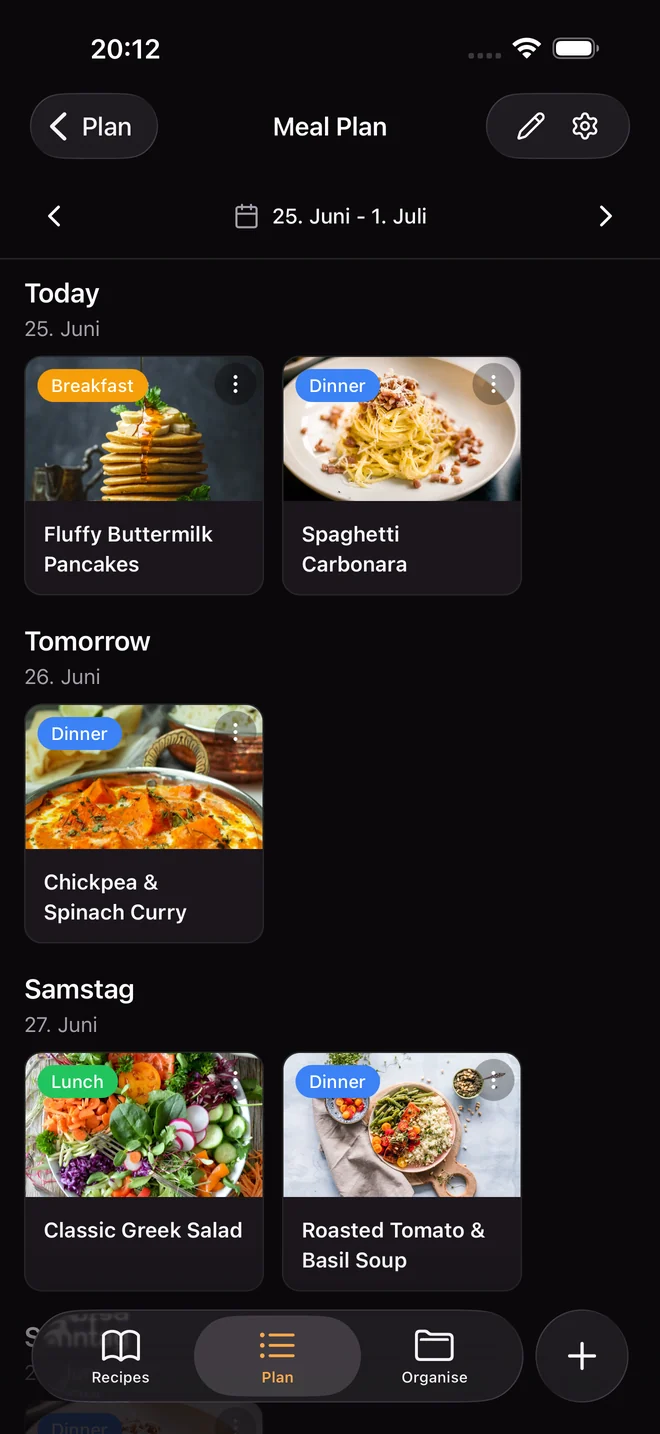
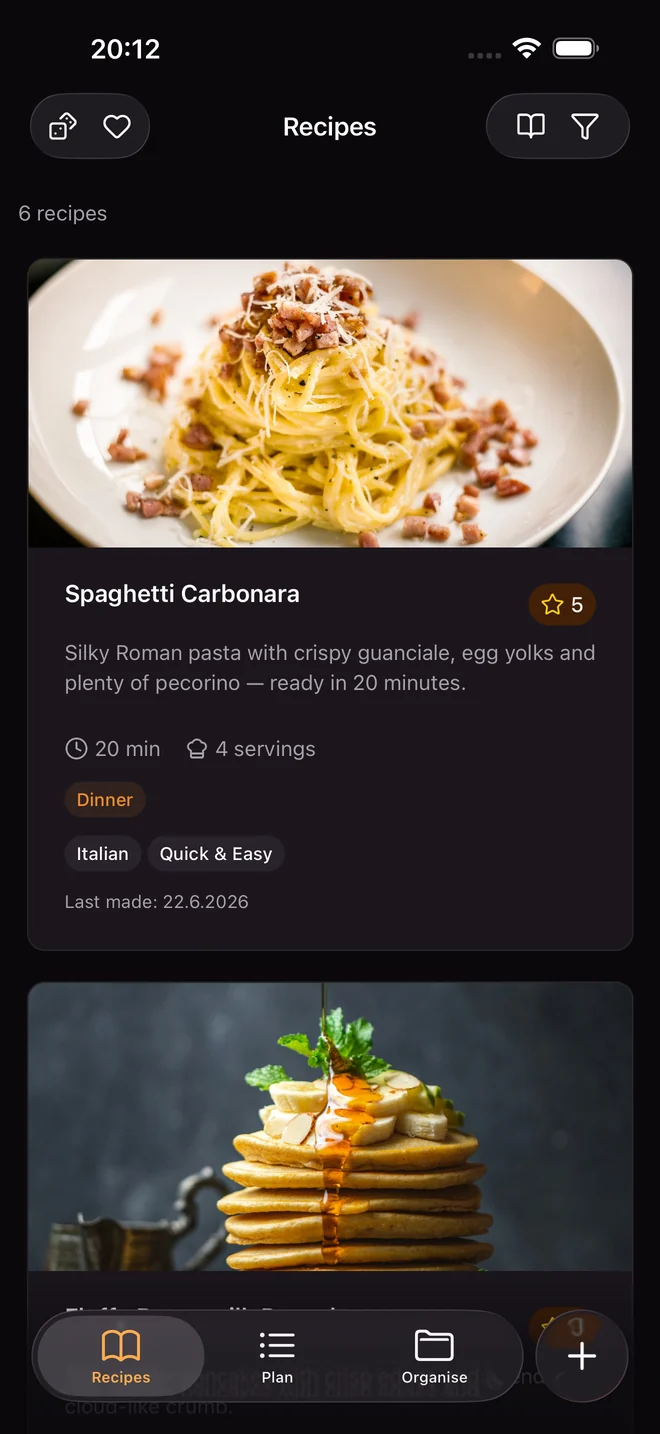
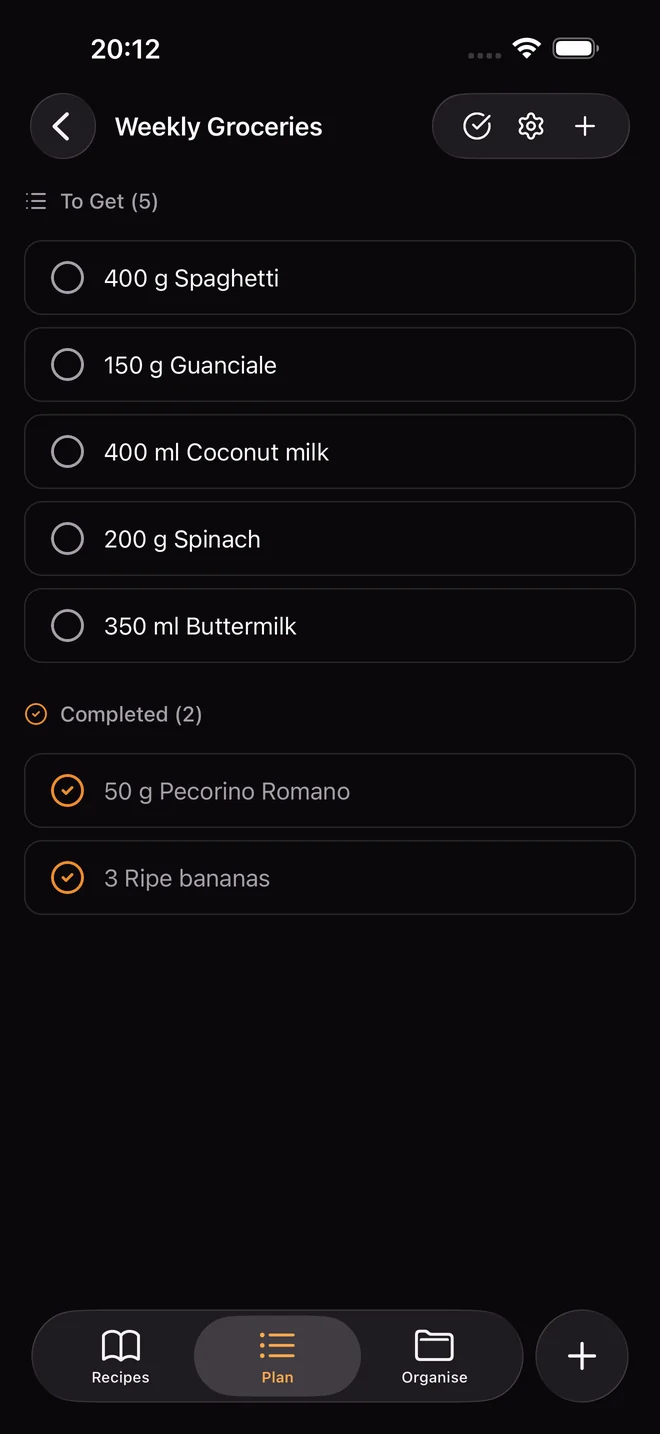
Recipes, meal plan, shopping list
The recipe app for iPhone and iPad. Everything is saved on your phone, and only you can read what you sync.
iPhone and iPad. English and German. No account required.
Syncs through storage you already own
You do not create an account, and we do not run a cloud. Your recipes are saved on your phone. If you turn on sync, they are locked on your device before they go anywhere, and only you hold the key. Wherever the locked copies end up, nobody there can open them.
Even if we wanted to read your recipes, we could not.
Your recipes are stored on your device and open even in airplane mode.
Everything is locked before it leaves your phone. You can hand the key to family. Nobody else ever gets it.
No recipe, photo or shopping list ever reaches us. Only anonymous usage counts, hosted in the EU.
Your recipes export as normal files whenever you want. Take them and go.
The Spaces model
A space is one self-contained recipe collection with its own recipes, weekly plan and shopping lists. Keep one for home, share one with your family, keep one just for you. Switching takes a tap.
You add a note in the kitchen, your partner fixes a typo on the sofa, and the cabin iPad has been offline for a week. Once everyone is back online, all changes come together and nothing is overwritten.
Nothing gets lost
Changes are always added, never stamped over. Even a phone that was offline for weeks cannot erase newer work.
Deleting is safe too
If one person deletes a recipe and another edits it, it comes back instead of quietly disappearing.
Interruptions are fine
Syncing picks up where it stopped, even if you close the app halfway through.
Your storage, your choice
Sync through Dropbox, Google Drive, your own cloud or a simple folder. Your data never touches our servers.
Your shared storage
Dropbox, Google Drive, your own cloud, or just this device
Fast, smooth and at home on iPhone and iPad. In light and dark, in English and German.
Looks and feels like an Apple app: real tabs, smooth gestures, and little haptic taps exactly where they belong.
Cooking for 2 or for 12? Set the servings and every amount adjusts. The screen stays on while you cook.
4
Paste a link, photograph a cookbook page or a handwritten card, or type it in yourself.
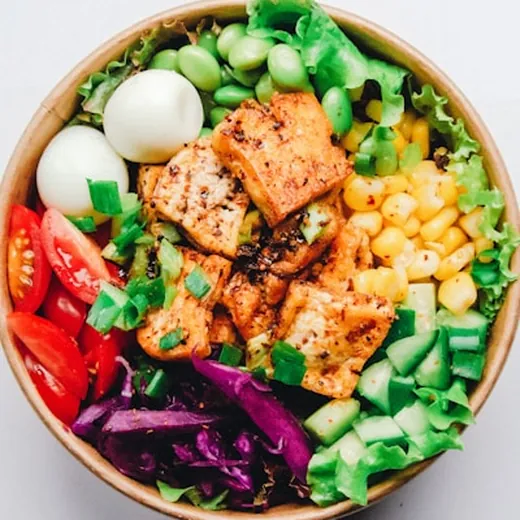
Plan seven days across seven meal types, then send the ingredients to a shopping list, scaled to your servings.
Swipe to check off, group by food category, auto remove what is done, and keep the screen on while you shop.
Read and edit your recipes with no connection at all. Photos stay available in the basement and at the campsite.
List and details side by side, like a real iPad app, not a stretched phone screen.
Both fully translated, including plurals and dates.
Light and dark are designed together, not derived from one another.
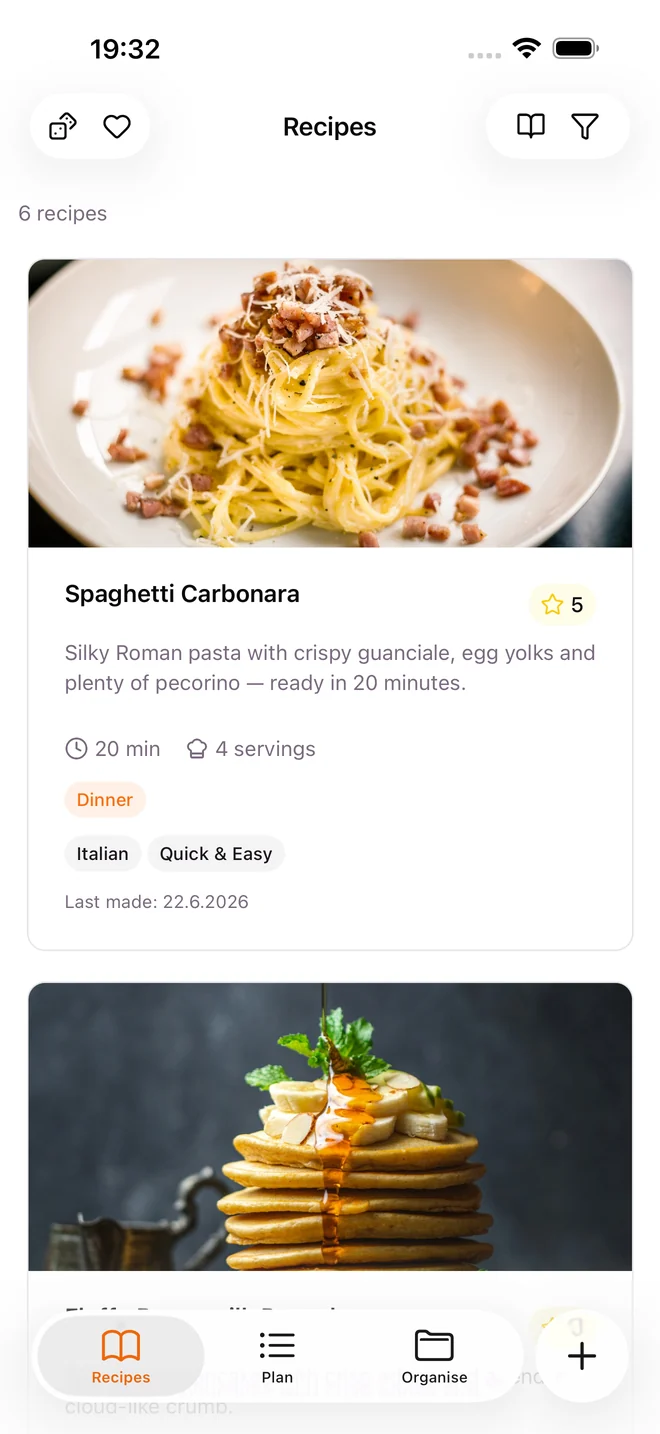
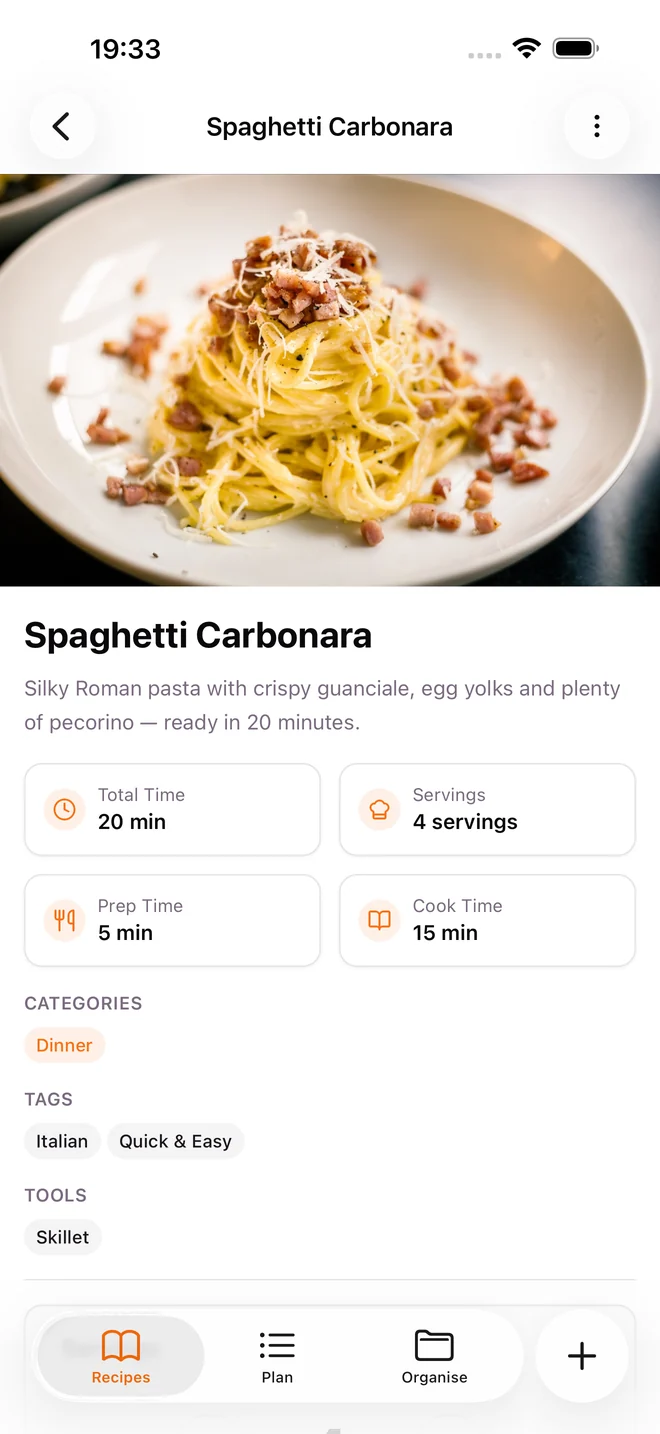
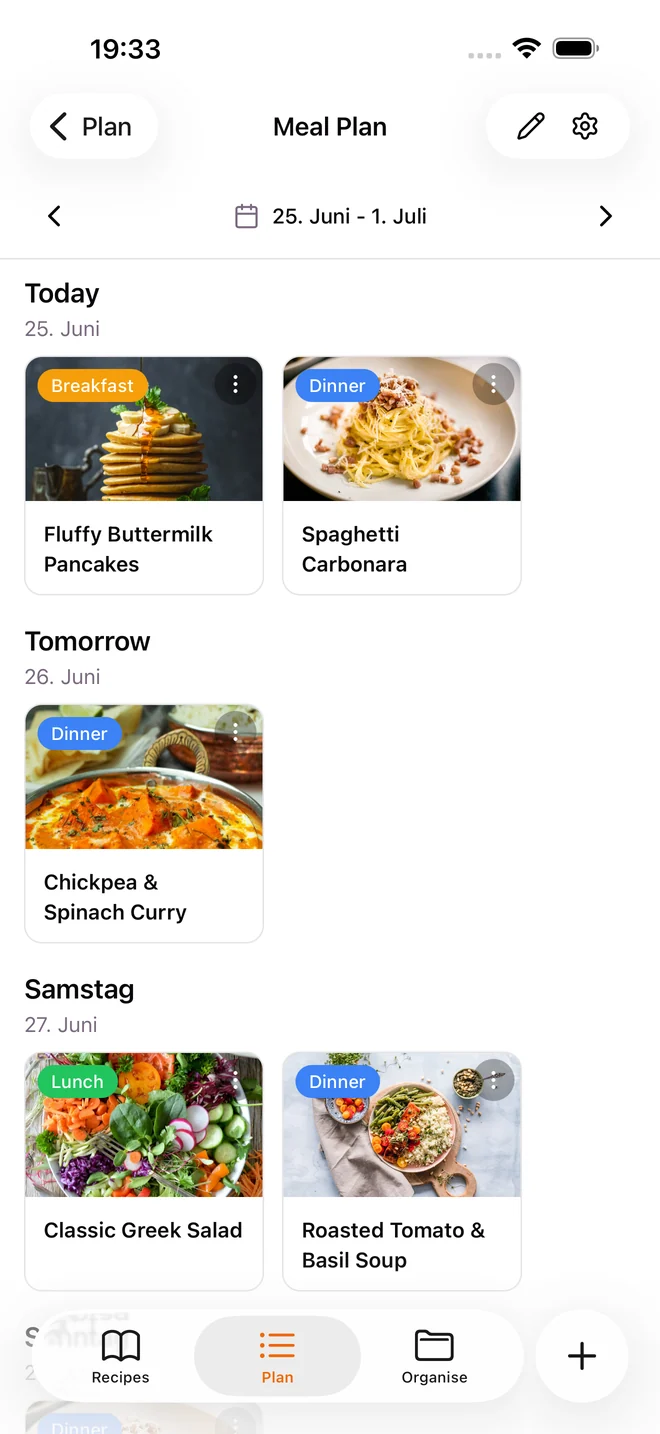
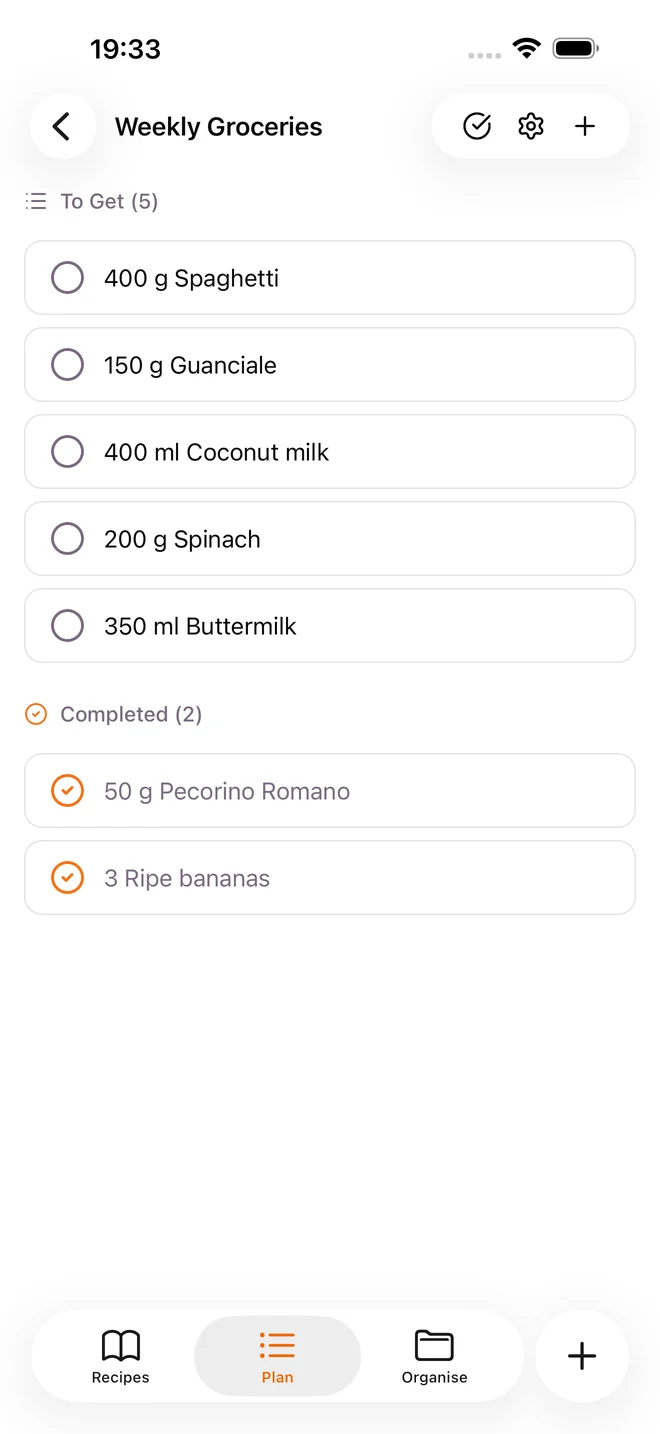
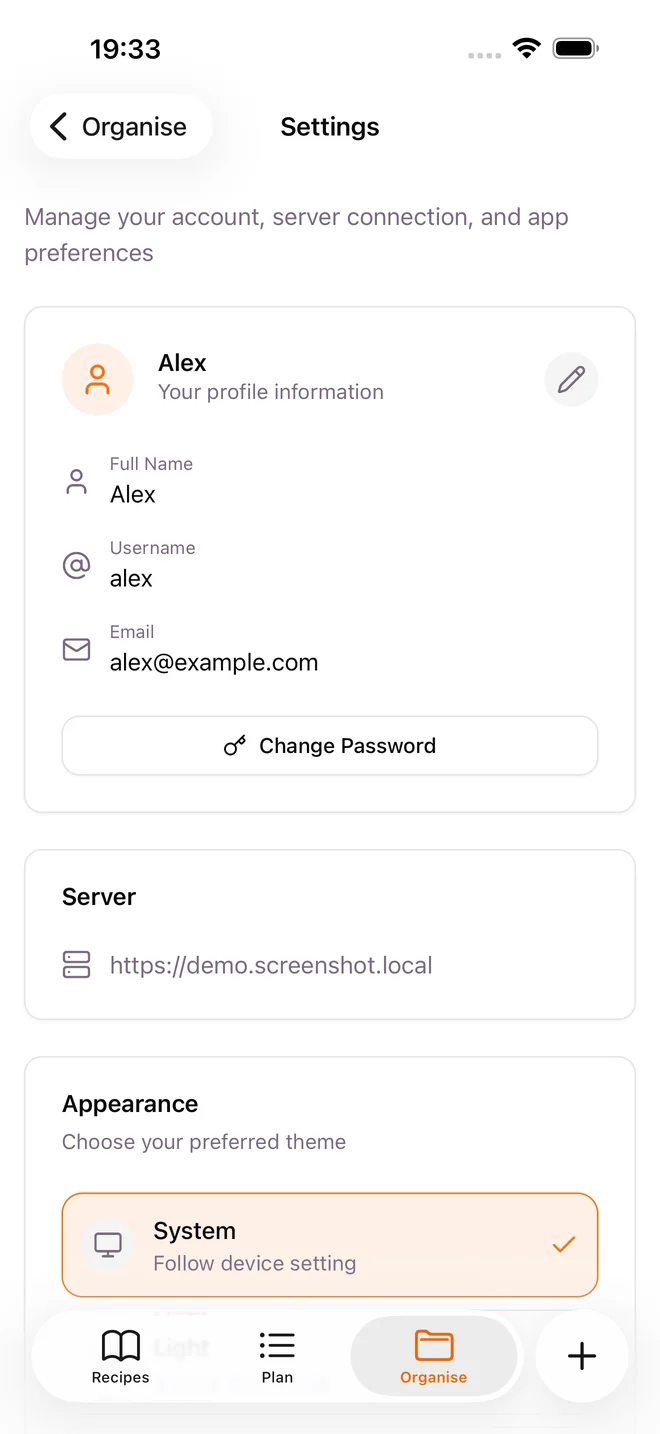
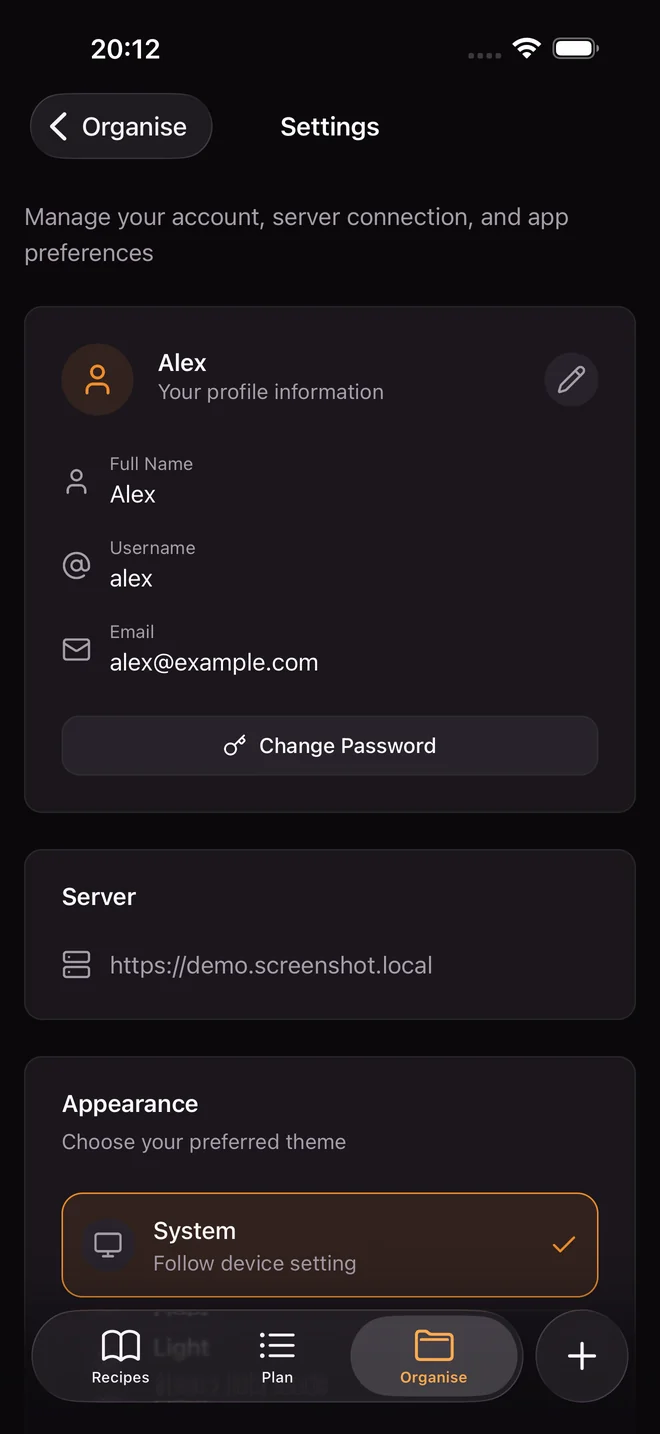
Then Sizzzle is the native app for it: recipes, meal plans, shopping lists, cookbooks and more, straight from your server. Connect several servers at once and switch with a tap.
See the Mealie guideComing soon
Not everyone wants to run a server. Soon you can rent one from us: hosted sync plus built-in AI recipe scanning. The same promise holds, we cannot read your recipes.
Pricing to be announced
Optional. Everything on this page keeps working without it.
Sizzzle Cloud is in development. Nothing on this card is available for purchase yet.
No. Create a local space and you are cooking in seconds, with no account and no server. Mealie is one of two ways to run Sizzzle, and it is entirely optional.
On your phone. If you turn on sync, a locked copy also lives in the storage you picked, like Dropbox, Google Drive or your own cloud. Only your key can open it.
Export a recovery key file for each space you care about and keep it somewhere safe. Restoring on a new device means adding the space back with that key. Without sync and without a key file, a lost device means lost recipes, so export the key.
Yes. Invite someone with a link and you cook from the same collection. If you both change something at the same time, both changes are kept.
Photograph up to six pages of a recipe and the app turns them into neat ingredients and steps. Today this needs your own AI key. A version with nothing to set up is planned as part of Sizzzle Cloud.
Not today. The app is built with React Native and Android groundwork exists in the codebase, but iPhone and iPad are the shipping platforms.
No account, no server, no trial. Open the app, make a space, add your first recipe.